
How to Share Puppy and Kitten Photos Privately, Without Social Media
To share puppy and kitten photos privately, send them only to people you choose. Compare group chats, shared albums and pet apps, check each photo before you send it, and give grandparents a browser link.
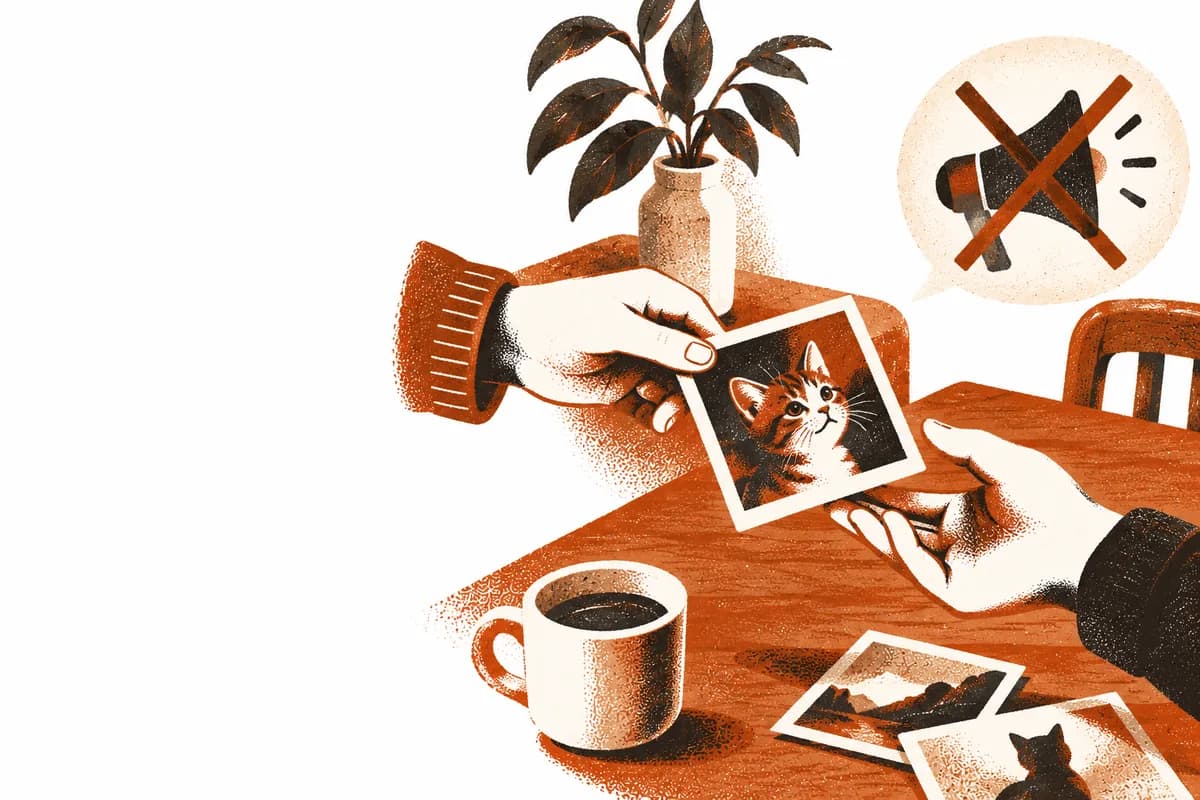
To share puppy or kitten photos privately, send them only to people you choose, through a channel with no public audience: a family group chat, a shared album you control, or a private app built around your pet. Before a photo leaves your phone, check the background for anything that points to your home, and turn off location in the share options. Keep the originals in your own photo library, and give relatives who won’t install apps a link that opens in their browser.
If a puppy or kitten joined your family this year, you have probably felt two urges at once: everyone needs to see this face, and I don’t really want our life on a public feed. Both make sense. A pet’s photos are family photos. They show your home, your park, your routine, and often your kids in the background.
Sharing privately doesn’t mean sharing less. It means choosing the audience: the group chat, the shared album, the private circle. The catch is that most private channels weren’t designed to be the home of those photos. Here are the real options, with the trade-offs of each. We checked Apple’s and Google’s help pages on September 24, 2026.
Why share pet photos privately instead of posting them?
Because a pet photo is also a family photo, and a public post reaches people you never chose. Three reasons come up again and again.
Audience creep. For many people, a feed that started as friends now includes coworkers, clients and strangers. A photo of your kitten asleep on your bed is intimate in a way a lunch photo is not.
Context leakage. Pet photos are taken at home, on your street, at your regular park, on your schedule. Over months, a public pet account can quietly document where you live and when you’re out.
The performance tax. Public posting nudges you toward the best photo, the clever caption, the right hashtag. Private sharing lets you send the blurry, badly lit photo that is somehow the most precious one, because the audience is grandma, not an algorithm.
None of this means public pet accounts are wrong. They answer a different question. “How do I entertain strangers?” is not “How do I share our life with the six people who love this animal?”
What should you check in a pet photo before you send it?
Everything in it that isn’t the pet: the background, and the file itself. Look at the photo once the way a stranger would.
- House numbers and nameplates. They turn up behind the dog in photos taken at the front door.
- Delivery labels. The box the kitten is sitting in may have a name and an address on it.
- The view from the window, or the corner of your street. Combined with posts at the same time every day, it can show where you live and when you’re out.
- Location data in the file. Apple notes that when you share photos and videos that include location metadata, the people you share them with may be able to see where they were taken. On an iPhone you can leave it out each time you share: tap the Share button, tap Options, and turn off Location.
A private channel makes most of this matter less, because you know who is looking. It doesn’t make it disappear. A photo sent to one person can still be forwarded.
What are the ways to share puppy and kitten photos privately?
There are three realistic ones: a family group chat, a shared album, and a private app built around your pet. They differ in where the photos end up and in what your least technical relative has to do.
| Option | Best for | Where the photos end up | What a relative needs |
|---|---|---|---|
| Family group chat | “Look at this!” moments | Buried under later messages | The chat app they already use |
| Shared album (iCloud, Google Photos) | Keeping and sorting photos | An album among all your other photos | An account or a link, depending on the service |
| Private pet app | A pet’s life, photos and records together | The pet’s own timeline | The app, or a browser link if it offers one |
The family group chat. It’s good because everyone already has it, there’s nothing to set up, and the reactions are instant. It’s bad at keeping. Photos sink: a moment that mattered in March is buried under months of messages by June, mixed in with grocery lists. A chat has no idea whose photos these are, so your puppy’s first year ends up spread across several threads. And anyone in the chat can save or forward what you send. Use the group chat for the instant moment. Just don’t mistake it for an album.
A shared album. Shared albums in iCloud and Google Photos are a real step up from the group chat for keeping photos in order. Apple’s support page (September 2026) says that starting with iOS 27, Shared Albums add full-resolution sharing, and that friends and family will be able to join on the web and add their own photos, even without an Apple Account or an Apple device. Google Photos can share an album by link. Google says anyone with the link can view the album, and when Collaborate is on, anyone with the link can add photos too.
That ease is also the part to manage. Whoever holds the link gets in, so check the album’s settings and turn off link sharing once you don’t need it. Google also notes that turning off sharing doesn’t delete photos someone has already downloaded or copied. And pet photos sit inside a system built for all your photos. The things a pet family keeps next to them, like the number of days since gotcha day or what the vet said last month, usually live somewhere else.
A shared album also lives by the rules of the platform it’s on, and those can change. Where should your pet’s photos live? covers what to check before any one service holds the only copy. If your family already shares the kids' photos in FamilyAlbum, can you use FamilyAlbum for pets? looks at what it covers for a puppy or kitten.
A private album built around the pet. This is the category Memofu is in, so read this knowing that. The case for it is structural, though, not promotional:
- The circle is explicit. Nothing is posted publicly. People see the photos only if you invite them or send them a link, and a good app lets you turn a link off.
- The pet is the organizing principle. Photos and milestones sit on one timeline that starts on gotcha day, and the health records can live in the same app instead of a separate notebook.
- Relatives who don’t install apps are still included. In Pew Research Center’s 2025 survey, 78% of U.S. adults 65 and older said they own a smartphone. Japan’s 2025 Communications Usage Trend Survey (as of the end of August 2025) found that 80.9% of people aged 60 to 69 used a smartphone to go online, as did 55.1% of those aged 70 to 79 and 21.7% of those 80 and older. Many older people have the phone, then, though the share falls with age. For a grandparent who has one, the hurdle is usually the extra app and the extra account. A browser link with no app, no account and no password keeps them in the loop. We walk through the setup in how to share pet photos with grandparents who won’t install an app.
The structural risk of this category is lock-in: a private album is only trustworthy if you can leave it. Which brings us to the checklist.
What should you check before trusting an app with your photos?
Check five things: who can see it by default, where the originals stay, whether your least technical relative can join, whether you can export everything for free, and what happens if you stop paying. The answers tell you whether an app is a place to keep your photos or only a place to show them.
- Who can see this by default? The answer should be “no one I didn’t invite.”
- Where will the originals stay? A sharing app doesn’t have to hold your full-size files, but something should. Keep the originals in your own photo library or a backup you control, and treat any sharing app as the copy your family sees.
- Can your least technical relative take part? If grandma needs an app store and a password, she isn’t really invited.
- Can you export everything, free, in standard formats? This is the big one. If leaving is expensive or impossible, you don’t own your archive. You rent access to it.
- What happens if you stop paying? The answer you want is “you keep everything and can export it all.” If the answer comes with a deadline, plan your exit before you start.
What to do this weekend
Pick one place to keep the photos, then make checking each photo a habit. Half an hour covers it.
- Turn off location when you share. On an iPhone, tap Share, then Options, and switch off Location before you send. On other phones, check your photo app’s sharing settings for a location option.
- Look back at the backgrounds. Scroll through the photos you shared recently and look for house numbers, labels and the view from the window. Often the fix is just a different angle next time.
- Choose one place for keeping, separate from the group chat: a shared album or a private app. Put this week’s best photo there.
- Make one link per relative who won’t install apps. Name it after them, and open it in a private browser window yourself before you send it.
- Find the exit first. Before a year of photos goes in, find where the export button is.
Then keep sending “look at this!” to the group chat. The difference is that the photos now also have a home.
Where Memofu fits
Memofu is a private app for your pet’s photos and health log. Here’s what it does:
- An invite-only circle. No public feed and no public profile. Family and co-caretakers join by invitation.
- A viewer link for grandparents. It opens in any browser with no app, no account and no password, in large type with the newest photos first. You can turn it off at any time, and it’s kept out of search engines. It’s included on the free plan, with no cap on how many people use it.
- A timeline counted from gotcha day. It shows “family for 847 days”, not a file name, and the health log is in the same app.
- Location data is removed from photos on your phone before they’re uploaded.
- Export is free, on every plan, forever. Our pricing page lists what we will never charge for, including no ads, no data sales and no public feed, right next to what we do charge for.
Everything the circle and the viewer do is on our features page. If you’re still deciding who belongs in the circle at all, and what changes when they can see it, read why sharing your pet’s life with family is worth it.
Share in the group chat today. Give the photos a home that’s private by design, too.
Sources
- Mobile Fact Sheet — Pew Research Center
- Results of the 2025 Communications Usage Trend Survey (in Japanese, PDF) — Ministry of Internal Affairs and Communications, Japan
- Manage location metadata in Photos — Apple Personal Safety User Guide
- How to use Shared Albums in Photos on your iPhone, iPad, or Apple Vision Pro — Apple Support
- Share photos & videos and Stop sharing an album & manage settings — Google Photos Help
- private photo sharing
- puppy photos
- kitten photos
- family sharing
- photo privacy
- shared albums